WiFi vs Bluetooth Smart Locks: What’s the Real Difference?
- 24 March 2026
- Carter Bay

Not all smart locks connect the same way.
Some use Bluetooth. Others connect directly to WiFi. Many combine both. The difference is not about physical strength. It is about how the lock communicates.
If you are comparing options within the broader category of smart locks, understanding connectivity helps you choose the right system for your home, not just the newest feature set.
Let’s break down what actually changes between Bluetooth and WiFi models.
The Core Difference: How They Communicate
At a basic level, the distinction is simple.
Bluetooth smart locks connect directly to your phone using a short-range wireless signal. Communication happens locally between your device and the lock.
Your phone sends a command directly to the lock when you are within range.
WiFi smart locks connect to your home router and communicate through the internet. Commands are sent through a cloud service before reaching the lock.
Your phone sends a command over the internet; the signal reaches your router, which then communicates with the lock.
That extra step changes range, power consumption, and security considerations.
The hardware may look similar. The communication path is what differs.
Range and Control: Local vs Remote Access
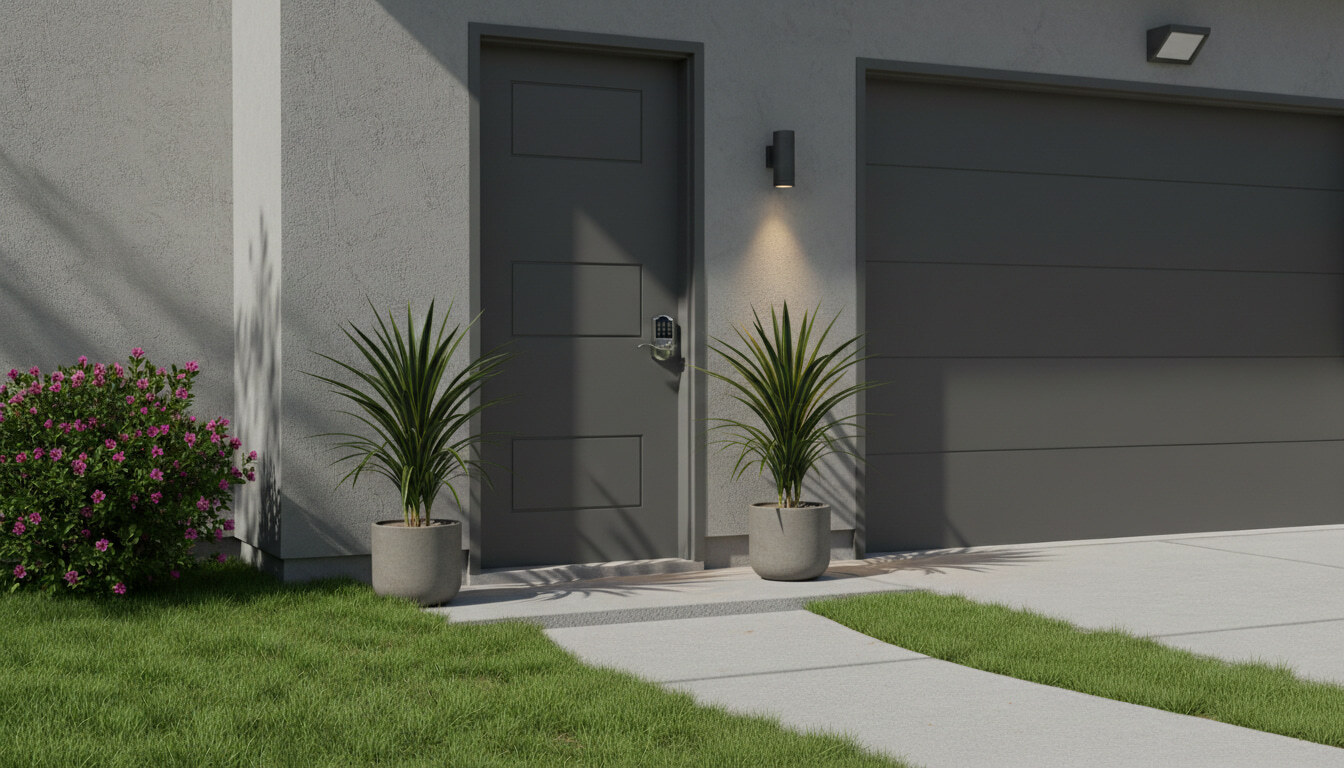
Bluetooth locks operate within a limited range. You must be near the door for the connection to work. In most cases, this is within 20 to 40 feet.
WiFi locks can be controlled from virtually anywhere, as long as both your phone and the lock have an active internet connection.
This means:
- Bluetooth models are ideal for local control and proximity-based unlocking.
- WiFi models allow remote locking, unlocking, and activity monitoring from another location.
- If you travel frequently or manage property from a distance, WiFi connectivity offers more flexibility. If you primarily unlock your door while standing in front of it, Bluetooth may be sufficient.
Security Architecture: Understanding Exposure
Connectivity changes how security is structured.
Bluetooth locks communicate over short-range encrypted signals. Because they are not continuously exposed to the internet, their attack surface is relatively limited. A device would typically need to be nearby to attempt interference.
WiFi locks rely on your home network and cloud servers. That adds layers of encryption, but also more components. Router security, password strength, and firmware updates become part of the security equation.
This does not mean WiFi locks are unsafe. It means security responsibility extends beyond the lock itself to the surrounding network environment.
Battery Life and Power Behavior
One of the most practical differences between Bluetooth and WiFi locks is battery performance.
Bluetooth uses a low-energy protocol. The lock typically remains in a low-power state and activates when your phone is detected nearby. This generally results in longer battery life.
WiFi locks must maintain communication with the router. Even if that communication is periodic, it consumes more energy. As a result, WiFi-connected models tend to require more frequent battery replacement.
Manufacturers often address this by designing hybrid systems, which we will cover shortly.
If minimizing battery changes is a priority, Bluetooth-only systems may have an advantage.
What Happens If Something Fails?
Understanding failure scenarios is important.
If your internet goes down:
- Bluetooth locks continue to function locally.
- WiFi locks typically still operate via keypad or Bluetooth, but remote control features may be unavailable.
If your router resets:
- WiFi features may temporarily disconnect
- Bluetooth access usually remains unaffected
If your phone battery dies:
- Both types generally allow keypad entry or physical key override, depending on the model.
If there is a power outage:
- Most residential smart locks are battery-powered, so household electricity does not directly affect them.
The key takeaway is that remote capability depends on internet stability. Local entry usually does not.
Smart Home Integration and Automation
WiFi-connected locks often integrate more directly with smart home ecosystems such as:
- Apple Home
- Google Home
- Amazon Alexa
- SmartThings
Because they are internet-connected, they can trigger broader smart home events.
Bluetooth-only locks may support basic app control but often require an additional hub or bridge to enable full automation features.
If you are building a connected home system, WiFi integration may align more naturally. If you prefer minimal connectivity, Bluetooth may feel more contained.
Hybrid Smart Locks Explained
Many modern smart locks are not strictly Bluetooth or WiFi. They use Bluetooth as the primary connection, with an optional WiFi bridge.
This design exists for a reason.
Bluetooth handles local communication efficiently and conserves battery life. When remote access is needed, a separate hub connects the lock to your WiFi network.
This hybrid approach offers:
- Improved battery efficiency
- Optional remote functionality
- Upgrade flexibility
It allows homeowners to start with local control and add remote features later.
When comparing models, it is helpful to check whether WiFi is built in or enabled through a bridge.
Recommended WiFi and Bluetooth Locks
Which Should You Choose?
The better option depends on how you use your home.
Choose Bluetooth if:
- You primarily unlock the door while at home
- You prefer limited internet exposure
- You want longer battery life
- You do not need remote access
Choose WiFi if:
- You travel frequently
- You manage rental or shared properties
- You want real-time alerts and remote control
- You use voice assistants and smart home automation.
For many homeowners, a hybrid model offers a practical balance.
Connectivity should support your lifestyle, not complicate it.
If you are still weighing options, exploring different types of door locks can help clarify what features matter most for your entryway. Understanding how connectivity works makes it easier to choose hardware that fits your daily routine, not just your tech preferences.
Frequently Asked Questions About WiFi and Bluetooth Smart Locks
Do smart locks need WiFi? +
No. Many smart locks operate using Bluetooth and do not require internet access for local unlocking.
Is Bluetooth more secure than WiFi for smart locks? +
Bluetooth is less exposed because it only connects to devices in close physical proximity, making it inaccessible from the open internet. Wi-Fi locks require a well-secured home network and strong passwords to maintain the same level of protection as Bluetooth.
What happens if my WiFi goes down? +
Remote control features may stop working, but most locks still allow keypad or local Bluetooth access.
Does WiFi drain smart lock batteries faster? +
Yes. WiFi connectivity generally consumes more power than Bluetooth low-energy communication.
Can I use a smart lock without internet? +
Yes. Bluetooth-enabled models can function locally without an internet connection.